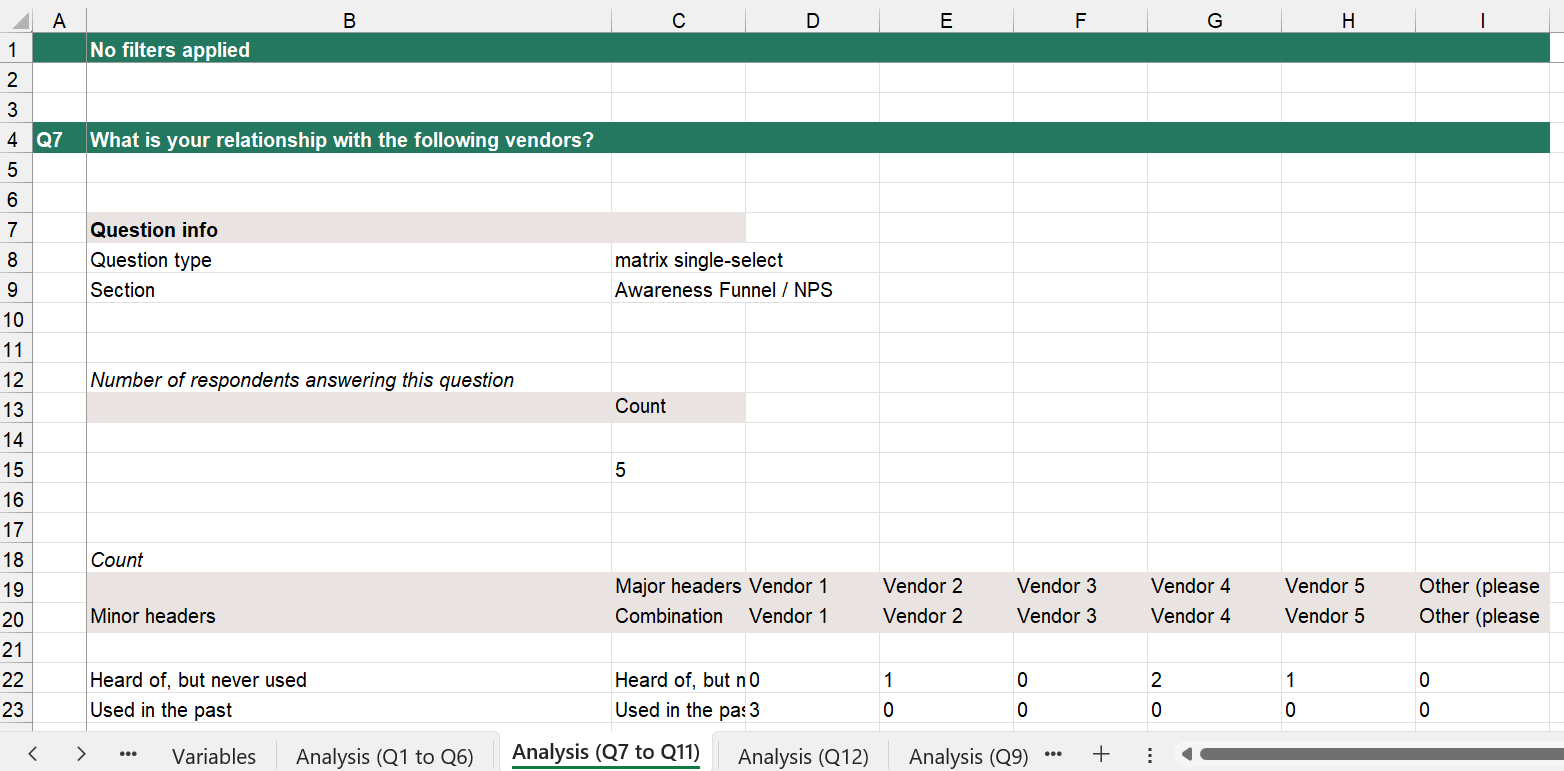
Your analysis tool file will contain tabs for raw data, survey reference guides, and auto-generated table calculations for each applicable question from your survey.
Responses: the raw data tab

This tab is labeled as "Responses" in your analysis tool file.
- This tab contains the raw data directly downloadable from the IncQuery platform. Data is displayed in a "wide format." In this format, one respondent's full set of responses to your survey is displayed as a single row with each question or predefined parameter (e.g. bucket, QC flag, etc.) occupying a single column.
- You can use the native Excel filters in this tab to filter your data with a few clicks. Filtered results will appear immediately in the cut data tab.
- New or updated survey data can be copied and pasted directly into this tab with results immediately reflected in the cut data tab.
The cut data tab