
Crosscuts (aka cross tabulation) are a powerful feature of IncQuery’s analysis tool that allows you to identify patterns or trends within your survey data based on any two (or more) variables.
Once data collections starts on the Downloads tab you will find IncQuery's Analysis Tool module. The Cross Cuts section of this module will allow combinations of questions and variables to cut the data against. In the example below we are looking at how awareness changes with age:
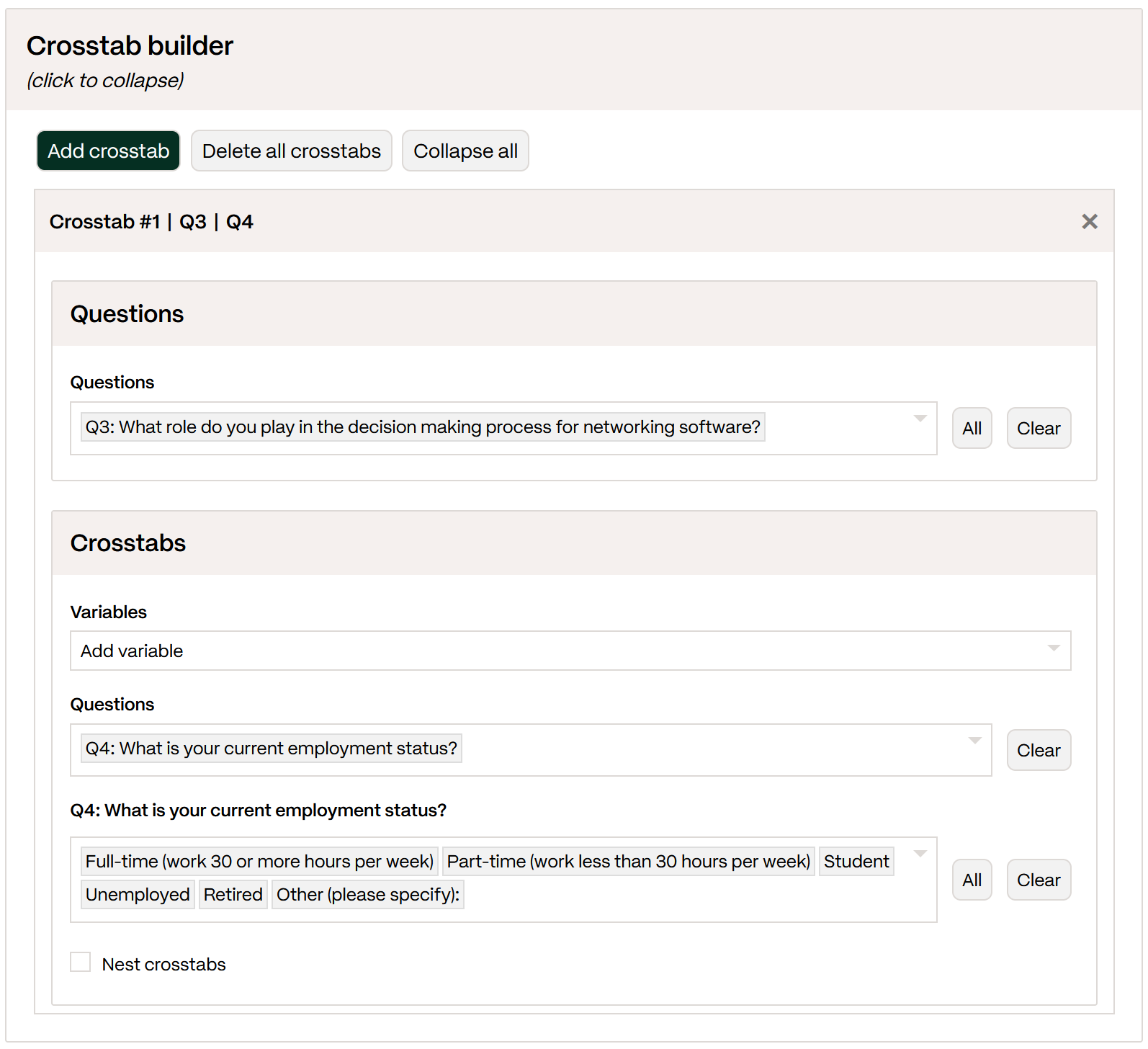 |
To add Cross cuts, click "Add crosstab". Then, add a question to cut. Here, it is:Q3: What role do you play in the decision making process for networking software?
Then, add another question or a variable to cut the Base question against in the "Crosstabs" section. In this example we use Q4: What is your current employment status?
Once all your cross cuts are set up, you can download the analysis file.